
Grade 12 · Practical
User interface design
Programming Fundamentals · about 3 min
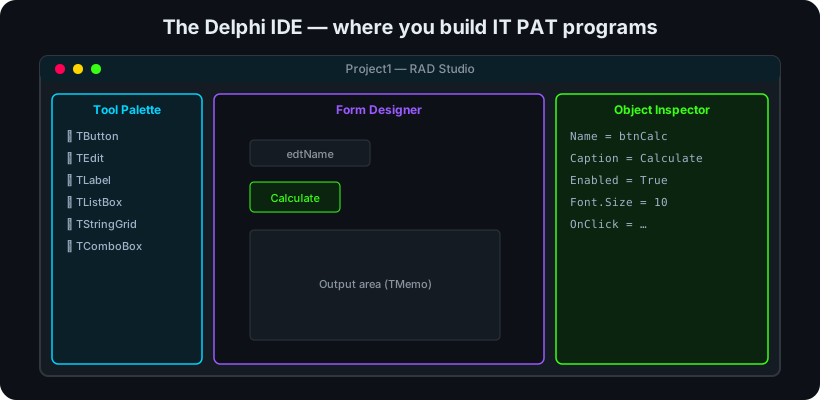 The Delphi IDE: tool palette, form designer and object inspector.
A clear, consistent interface earns usability marks and makes a program pleasant to use.
Key points- Lay out controls logically with alignment and spacing; group related controls (GroupBox/Panel).
- Label every input; give clear, meaningful captions; use consistent fonts and colours.
- Give feedback: confirm actions, show results in a Memo/labels, and report errors politely.
- Prevent errors: disable buttons until valid, validate input, set sensible defaults and tab order.
- Usability — how easily and pleasantly a user achieves their goal.
- Validation — rejecting invalid input before it is processed.
EXAM TIP
when asked to improve a UI, mention alignment, clear labels, feedback and input validation — concrete, mark-earning points.